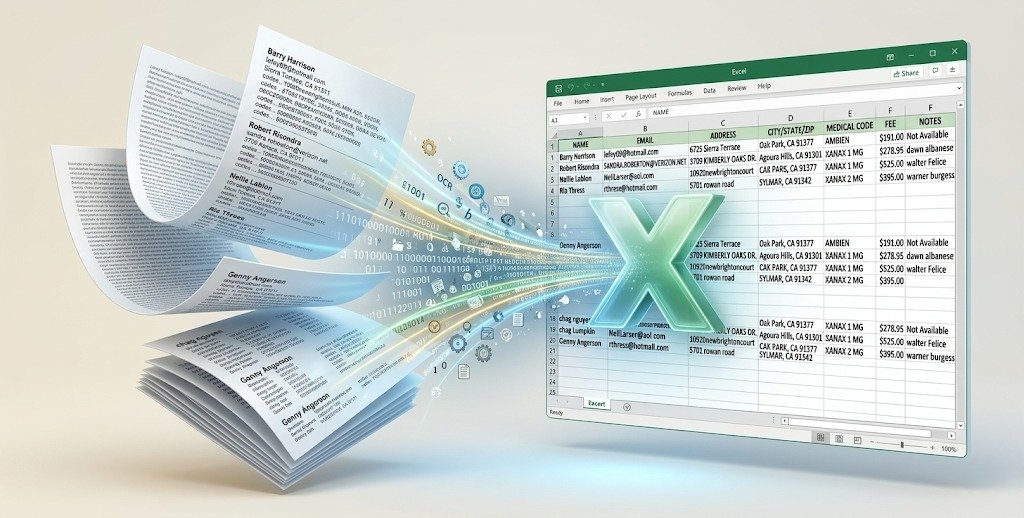
N2Rwila Comparison Tool

Precision Verification for Data Integrity

In high-volume data entry and migration, even a 1% error rate can lead to catastrophic financial or operational setbacks. The N2Rwila Comparison Tool is a high-performance utility designed to act as your final line of defense. It provides a sophisticated, side-by-side analysis of your source data against your processed output, ensuring that what you see in your spreadsheet is exactly what ended up in your system.

Autotyper

Why Use a Dedicated Comparison Tool?

Manual proofreading is not only slow—it is psychologically exhausting. After reviewing hundreds of rows, the human eye begins to “auto-correct” errors, leading to missed discrepancies. Our tool eliminates human fatigue by utilizing algorithmic matching to highlight inconsistencies in milliseconds.

Core Features & Capabilities

Dual-Source Synchronization

Effortlessly load two distinct datasets—typically your Original Source File and your Exported/Scraped Result File.

  • Multi-Format Support: Works seamlessly with .xlsx, .xls, .csv, and .txt.

  • Large Dataset Handling: Optimized to compare hundreds of thousands of rows without system lag.

Cell-by-Cell Discrepancy Highlighting

Our engine doesn’t just tell you there is an error; it shows you exactly where it is.

  • Visual Coding: Differences are highlighted in high-contrast colors (e.g., Red for mismatches, Green for matches).

  • Exact Match Logic: Detects hidden characters, trailing spaces, and formatting inconsistencies that the human eye misses.

Advanced Filtering & Reporting

Once the comparison is complete, you don’t have to scroll through thousands of correct rows to find the errors.

  • “Show Errors Only” Mode: Instantly filter the view to display only the rows requiring correction.

  • Exportable Discrepancy Reports: Generate a “Correction Log” in Excel format to send back to operators for fixing.

Customizable Matching Logic

Not all data is created equal. Configure the tool to ignore or prioritize specific parameters.

  • Case Sensitivity: Choose whether “Data” and “data” should be flagged as an error.

  • Column Mapping: Compare files even if the columns are in a different order (e.g., Map Column A in File 1 to Column C in File 2).

  • Numeric Tolerance: Set thresholds for rounding differences in financial data.

How It Works

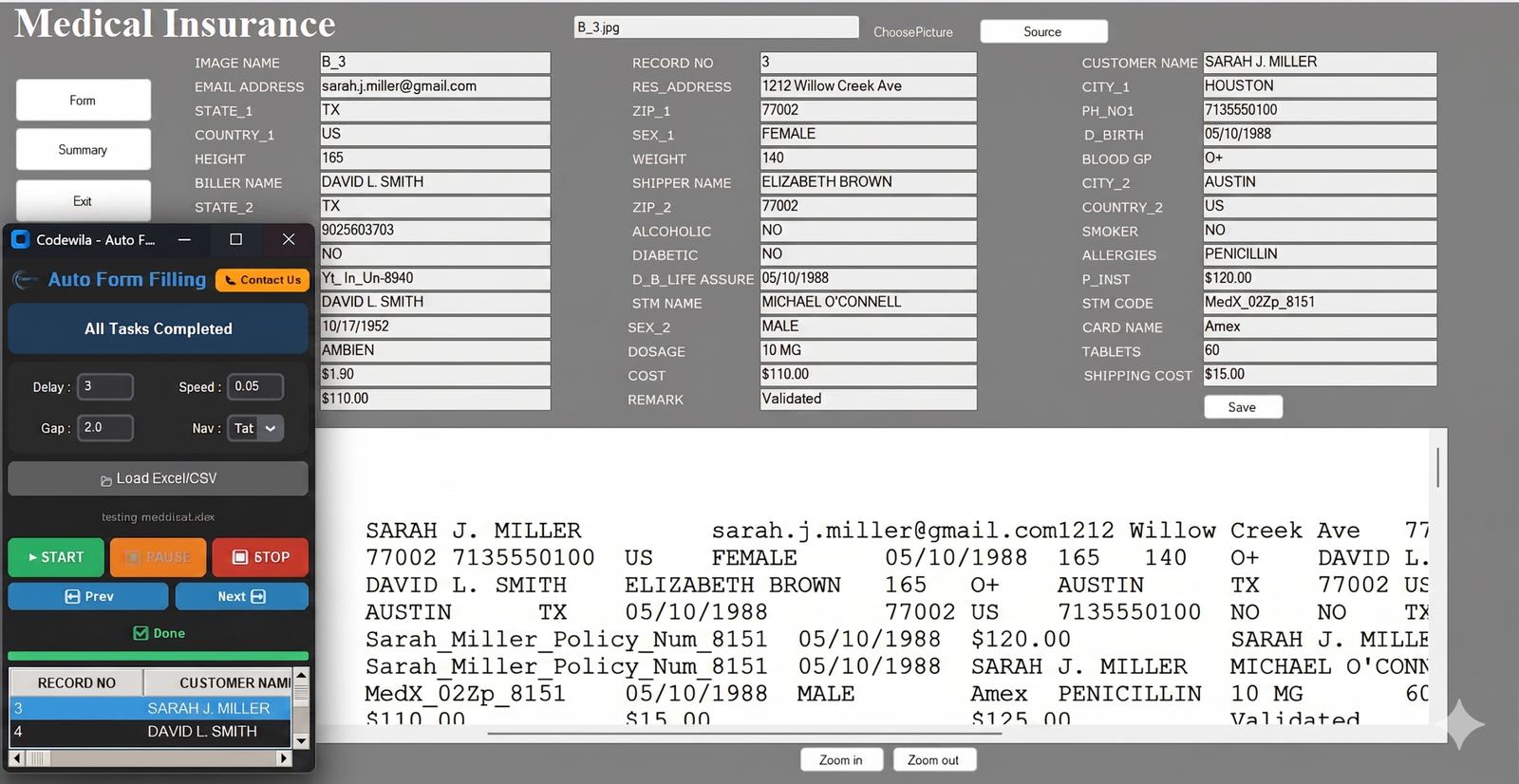
Highlights of N2Rwila Autotyper Software
  • Designed for Bulk Automation: Purpose-built to handle massive form filling and data entry automation tasks with ease.
  • Online & Offline Versatility: Supports seamless data entry across all online web forms and offline desktop applications.
  • Industry-Specific Compatibility: Perfectly suited for BPO, KYC, banking, mortgage, and medical data entry projects.
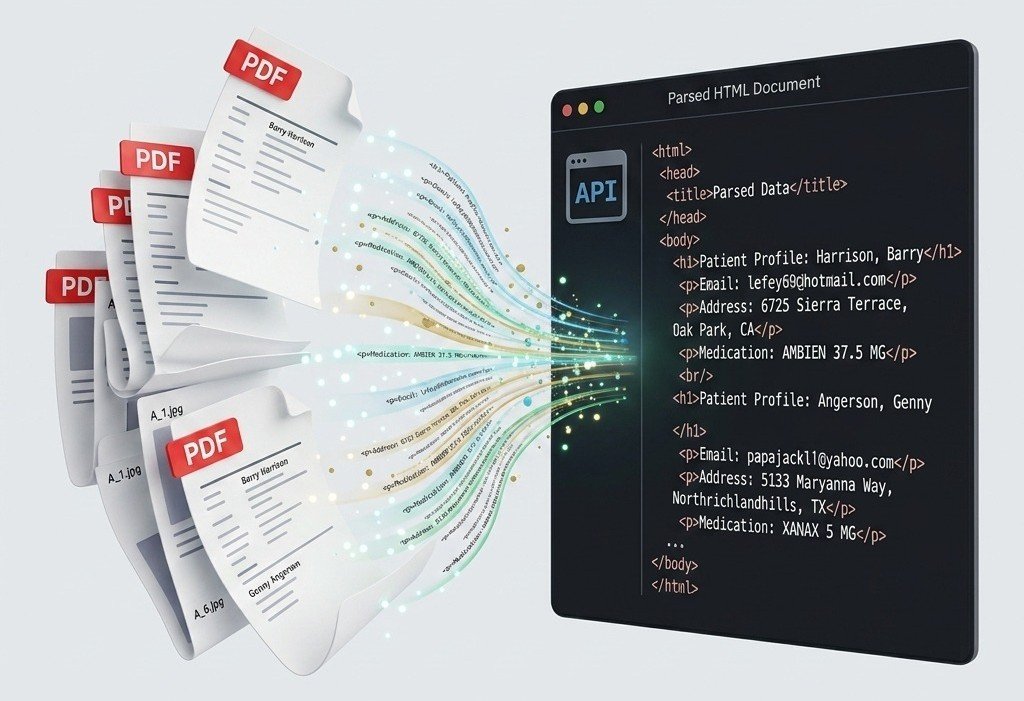
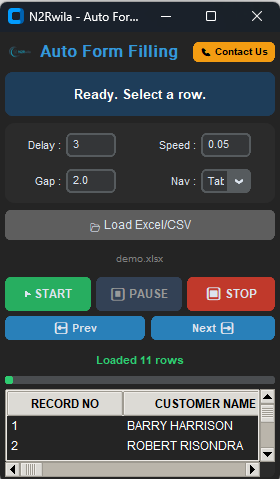
  • Excel & CSV Integration: Directly works with prepared Excel (.xlsx, .xls) and CSV data files for structured automation.
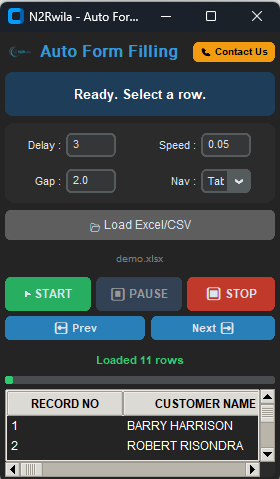
  • Precision Speed Control: Features adjustable auto-typing speeds (e.g., 0.05s) and customizable delay controls to match any workflow.
  • High-Volume Endurance: Provides continuous form filling support, making it reliable for long working hours and large-scale operations.
  • Human-Mimicry Technology: Utilizes hardware-level emulation to simulate natural typing and bypass anti-bot detection.
  • Universal Software Support: Works across all Windows-based systems, including browsers and ERPs like Tally or SAP.
  • Error-Free Accuracy: Maintains 100% data integrity, helping operators maintain consistent and accurate records without manual errors.
  • Professional Grade: Trusted and used by both individual data entry operators and professional agencies globally.
  • Smart Navigation Logic: Includes configurable Nav Key settings (Tab or Enter) and row gaps for perfect form navigation.
  • User-Friendly Interface: Features a simple setup with a navigable preview grid to verify data before the typing process begins.
Autotyper

Type Of Autotyper

Scroll to Top