
N2Rwila Comparison Tool
In high-volume data entry and migration, even a 1% error rate can lead to catastrophic financial or operational setbacks. The N2Rwila Comparison Tool is a high-performance utility designed to act as your final line of defense. It provides a sophisticated, side-by-side analysis of your source data against your processed output, ensuring that what you see in your spreadsheet is exactly what ended up in your system.
Why Use a Dedicated Comparison Tool?
Manual proofreading is not only slow—it is psychologically exhausting. After reviewing hundreds of rows, the human eye begins to “auto-correct” errors, leading to missed discrepancies. Our tool eliminates human fatigue by utilizing algorithmic matching to highlight inconsistencies in milliseconds.
Core Features & Capabilities
Effortlessly load two distinct datasets—typically your Original Source File and your Exported/Scraped Result File.
Multi-Format Support: Works seamlessly with
.xlsx,.xls,.csv, and.txt.Large Dataset Handling: Optimized to compare hundreds of thousands of rows without system lag.
Our engine doesn’t just tell you there is an error; it shows you exactly where it is.
Visual Coding: Differences are highlighted in high-contrast colors (e.g., Red for mismatches, Green for matches).
Exact Match Logic: Detects hidden characters, trailing spaces, and formatting inconsistencies that the human eye misses.
Once the comparison is complete, you don’t have to scroll through thousands of correct rows to find the errors.
“Show Errors Only” Mode: Instantly filter the view to display only the rows requiring correction.
Exportable Discrepancy Reports: Generate a “Correction Log” in Excel format to send back to operators for fixing.
Not all data is created equal. Configure the tool to ignore or prioritize specific parameters.
Case Sensitivity: Choose whether “Data” and “data” should be flagged as an error.
Column Mapping: Compare files even if the columns are in a different order (e.g., Map Column A in File 1 to Column C in File 2).
Numeric Tolerance: Set thresholds for rounding differences in financial data.
How It Works
- Load: Upload your Master File (Source) and your Target File (the data after it has been typed or processed).
- Map: Select which columns correspond to one another (e.g., "Account Number" to "Acc_No").
- Analyze: Hit "Compare." Review the highlighted differences in the interactive grid and export your report.
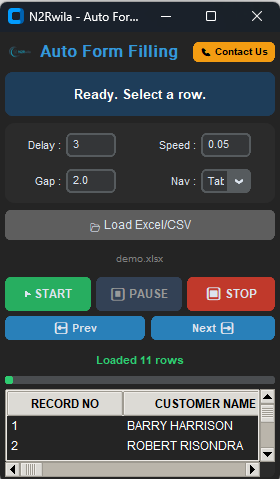
- Designed for Bulk Automation: Purpose-built to handle massive form filling and data entry automation tasks with ease.
- Online & Offline Versatility: Supports seamless data entry across all online web forms and offline desktop applications.
- Industry-Specific Compatibility: Perfectly suited for BPO, KYC, banking, mortgage, and medical data entry projects.
- Excel & CSV Integration: Directly works with prepared Excel (.xlsx, .xls) and CSV data files for structured automation.
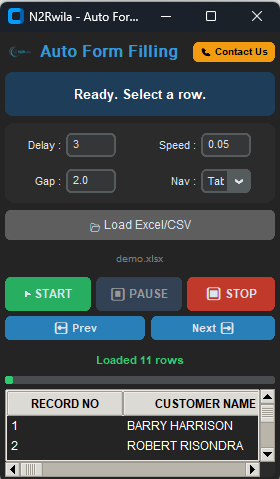
- Precision Speed Control: Features adjustable auto-typing speeds (e.g., 0.05s) and customizable delay controls to match any workflow.
- High-Volume Endurance: Provides continuous form filling support, making it reliable for long working hours and large-scale operations.
- Human-Mimicry Technology: Utilizes hardware-level emulation to simulate natural typing and bypass anti-bot detection.
- Universal Software Support: Works across all Windows-based systems, including browsers and ERPs like Tally or SAP.
- Error-Free Accuracy: Maintains 100% data integrity, helping operators maintain consistent and accurate records without manual errors.
- Professional Grade: Trusted and used by both individual data entry operators and professional agencies globally.
- Smart Navigation Logic: Includes configurable Nav Key settings (Tab or Enter) and row gaps for perfect form navigation.
- User-Friendly Interface: Features a simple setup with a navigable preview grid to verify data before the typing process begins.
Type Of Autotyper

SERVER 360 FORM
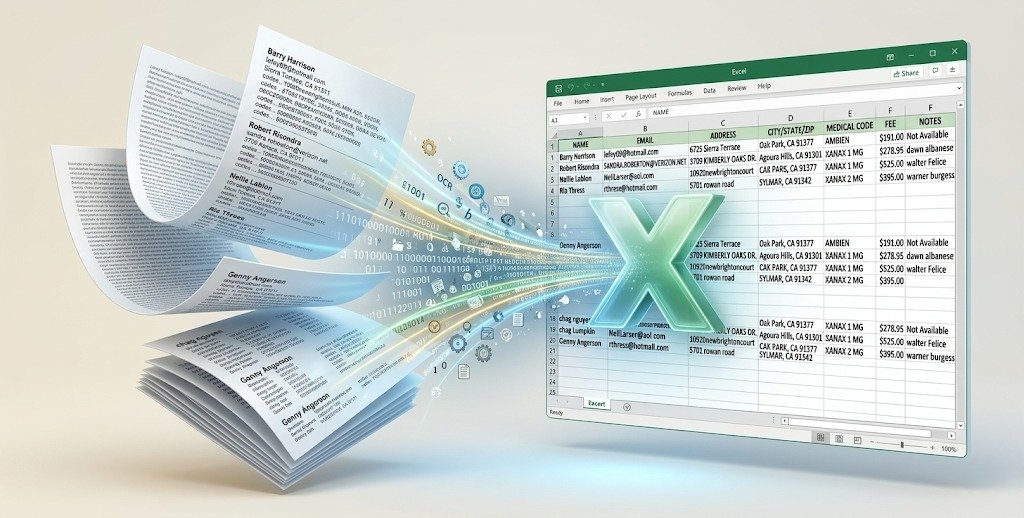
Convert images containing tables, lists, Unstructured data and forms into highly accurate, structured Excel files instantly.
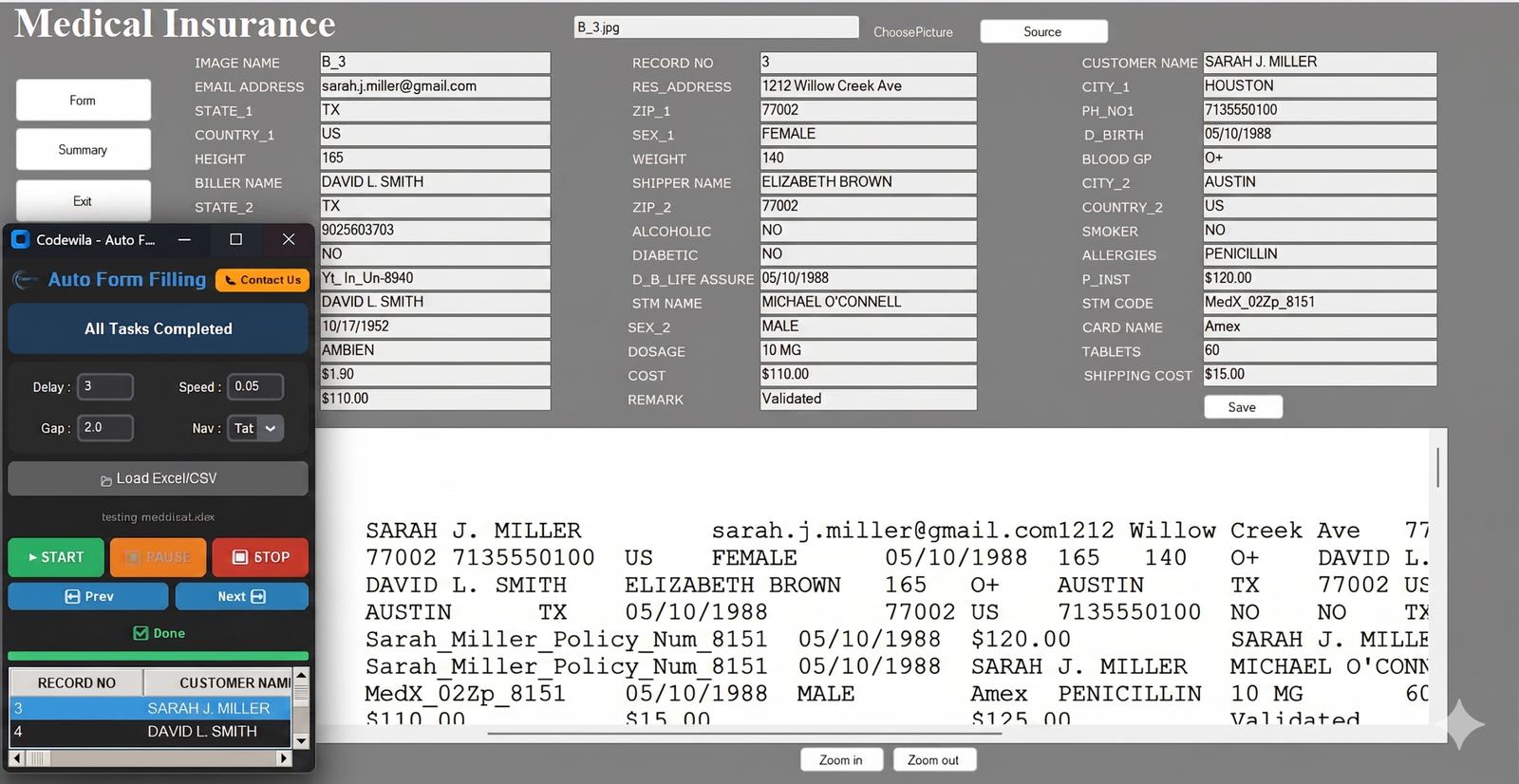
Medical Insurance
Our Medical Insurance Form Filling Auto Typer Software automates all types of medical data entry with high speed and accuracy. The best part of our software is that it supports all types of image formats, making form filling faster, smarter, and hassle-free.

KYC MUTUAL FUNDS
Convert images containing tables, lists, unstructured data, and forms into highly accurate, structured JSON files instantly.
MORTGAGE
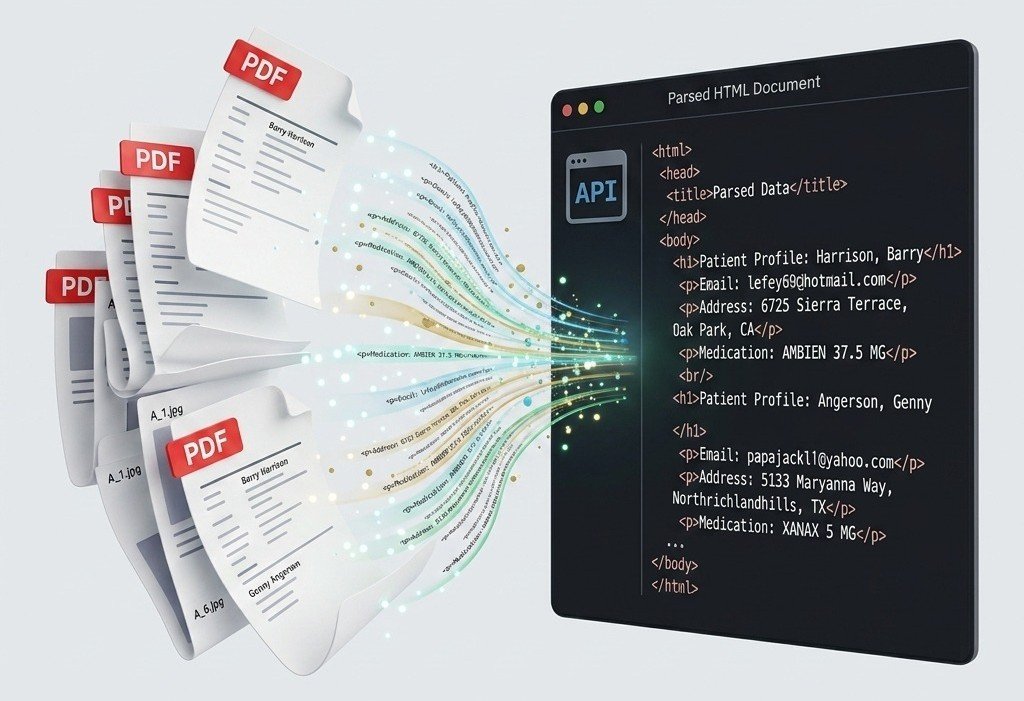
Convert PDF files containing tables, lists, unstructured data, and forms into highly accurate, structured HTML files instantly.

DATA EDITAR
Convert exam papers containing MCQs, numerical questions, Subjective, diagrams, and sections into highly accurate, structured JSON files instantly.